How to get a usable estimate out of Skoper, in seven steps
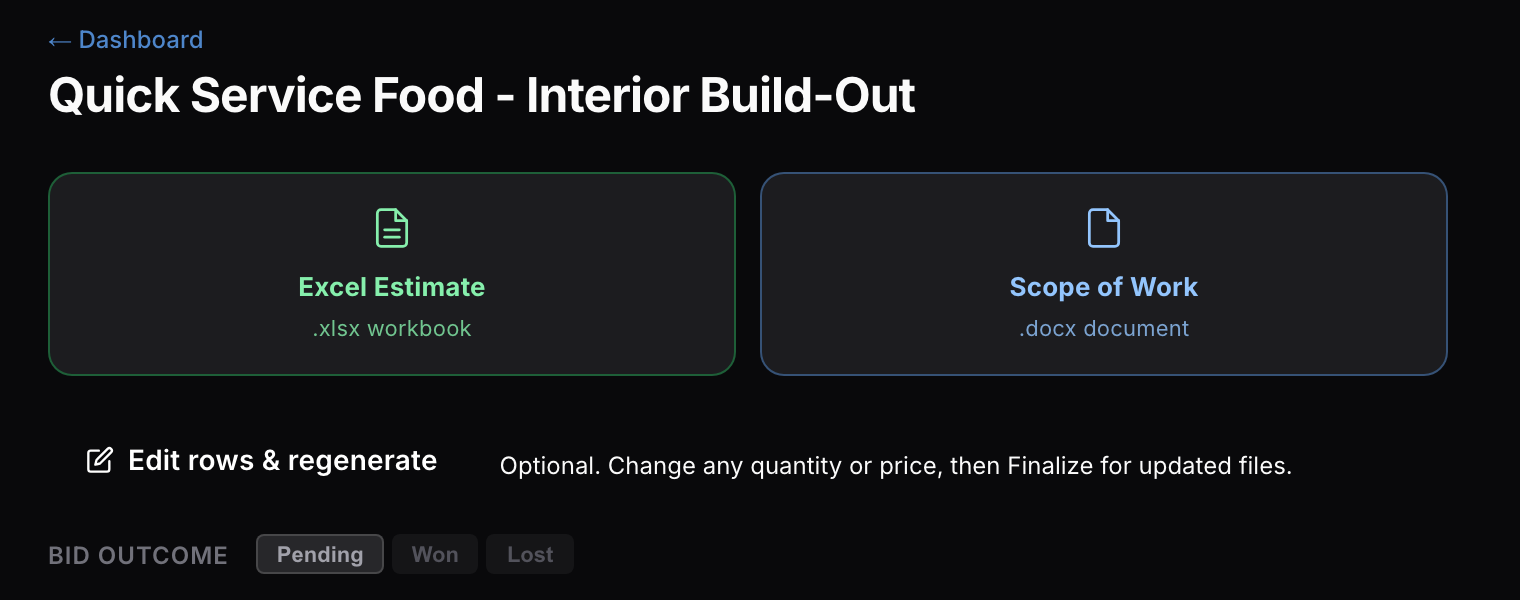
Skoper reads your plan set and returns an Excel workbook with quantities and prices, plus a scope of work, in about three minutes. These seven steps show how to give it the right input and check the output the way you'd check a new estimator's first pass.
1 Upload the whole set, not just the plans
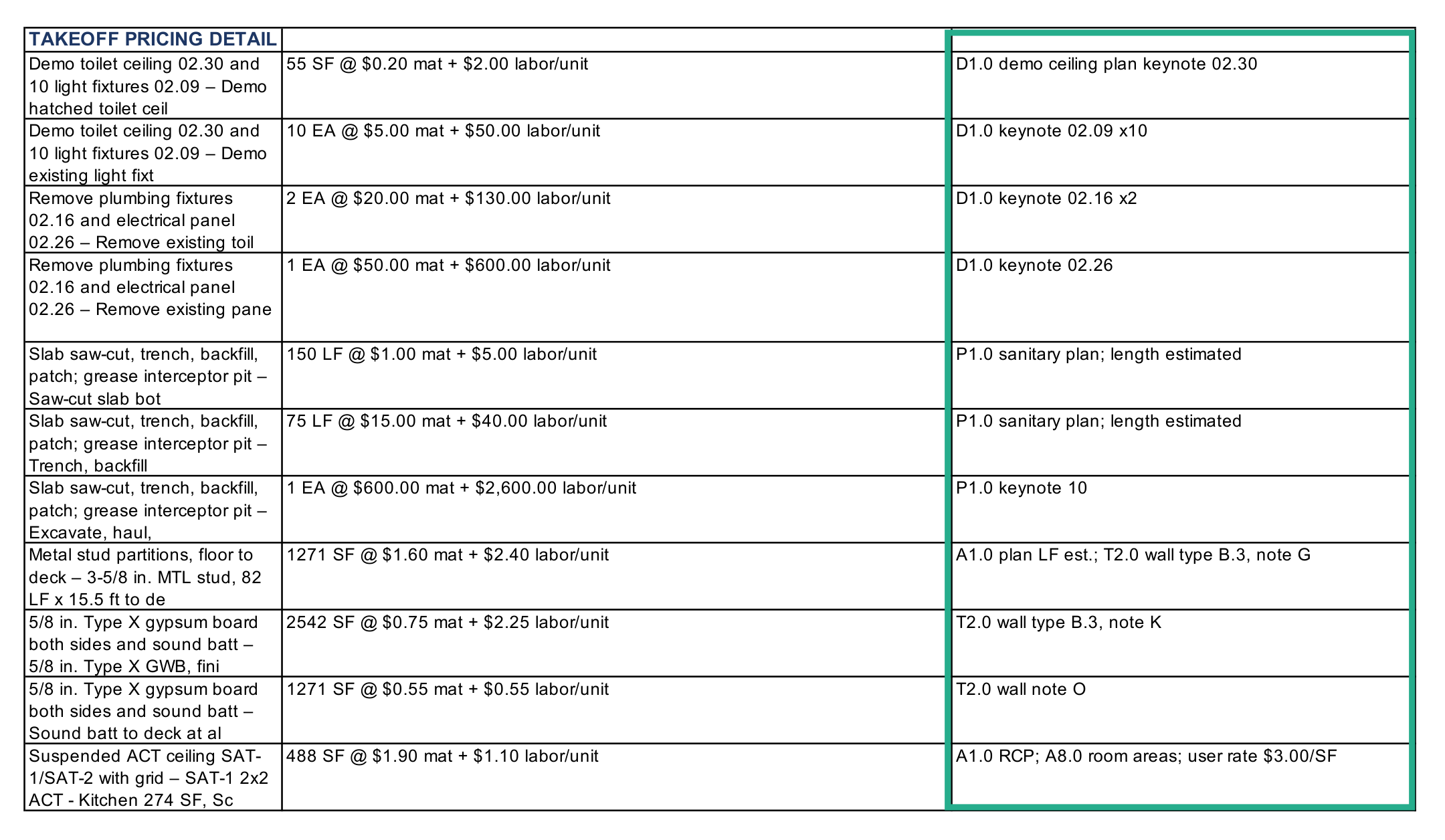
Skoper reads every sheet you give it. Partition heights come from the building sections, and door and fixture counts come from the schedules. Then open the Assumptions & Sources sheet to see which sheet each takeoff row came from.
2 Run a job you've already bid
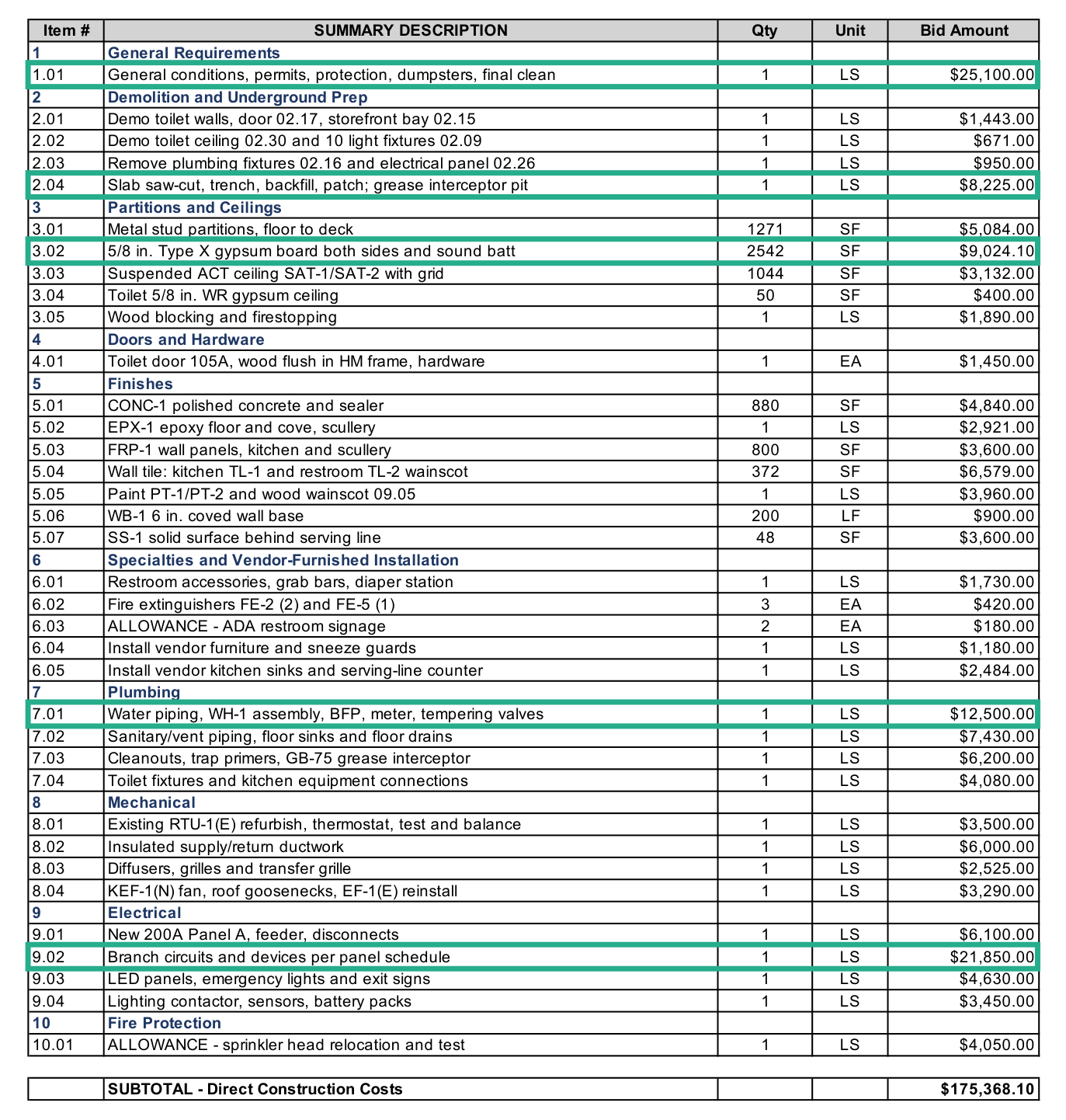
The fastest test is a set you priced by hand. Compare quantities first: the takeoff typically picks up about 90% of what's on the plans. Then compare prices, which can be about 10% off either way until your own rates are in.
3 Teach it your prices once
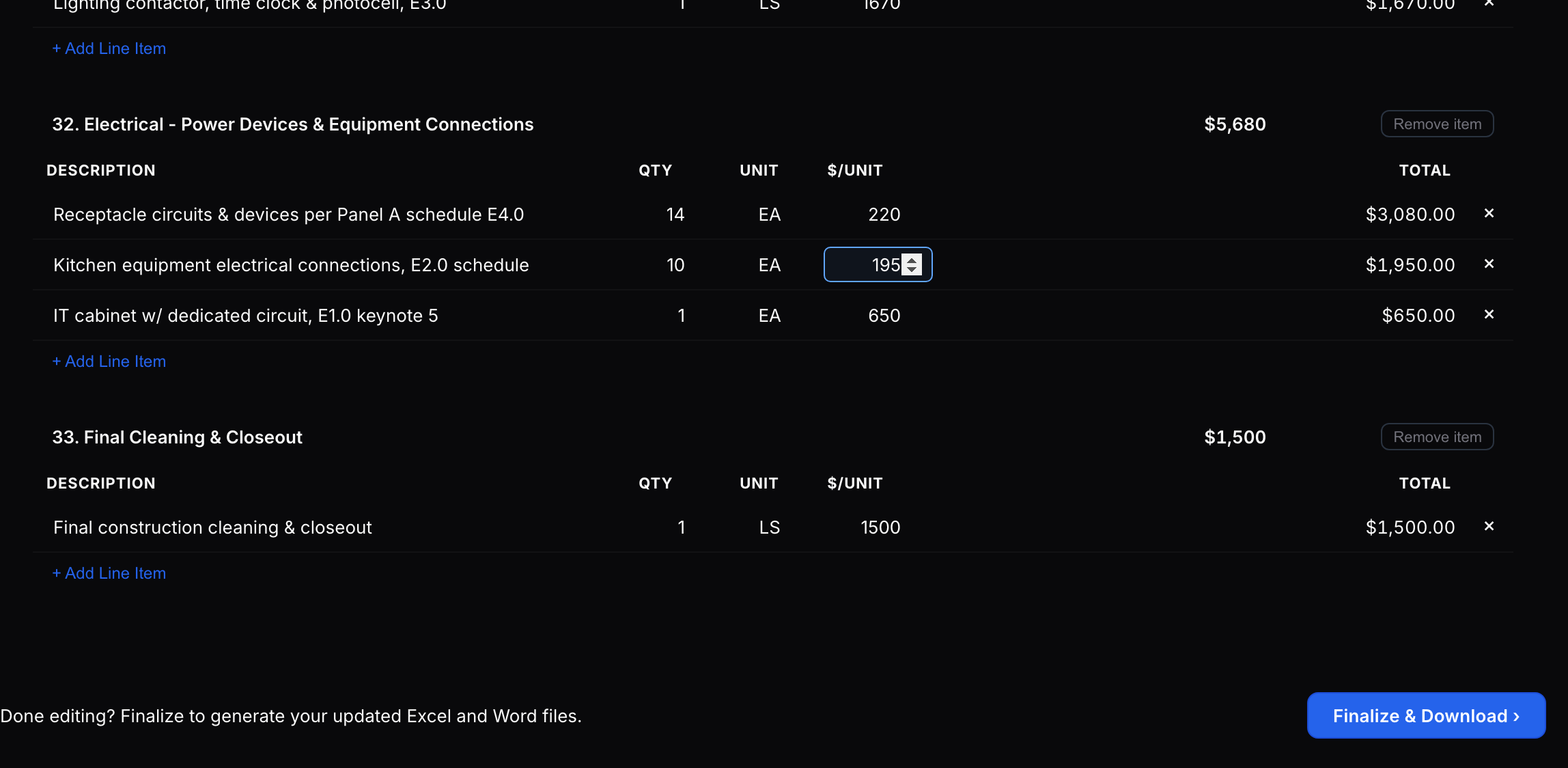
Open the editor, change any unit price that's off and hit Finalize. Every price you change is saved to your price book, so the next run starts from your numbers. Begin with the five biggest cost lines.
4 Start from the cleanest PDF you can get
Most takeoff errors come from hard-to-read sets, not from the math. Download the original PDF from the bid portal, or ask the GC or architect for it. If you can select the text on a sheet, it's a vector PDF, and those read best.
5 Put the scope of work in your bid
Every estimate comes with a scope of work as a Word document. Cut what doesn't apply, add your exclusions and attach it to your proposal. Spelling out what's in and what's out heads off scope-gap arguments after award.
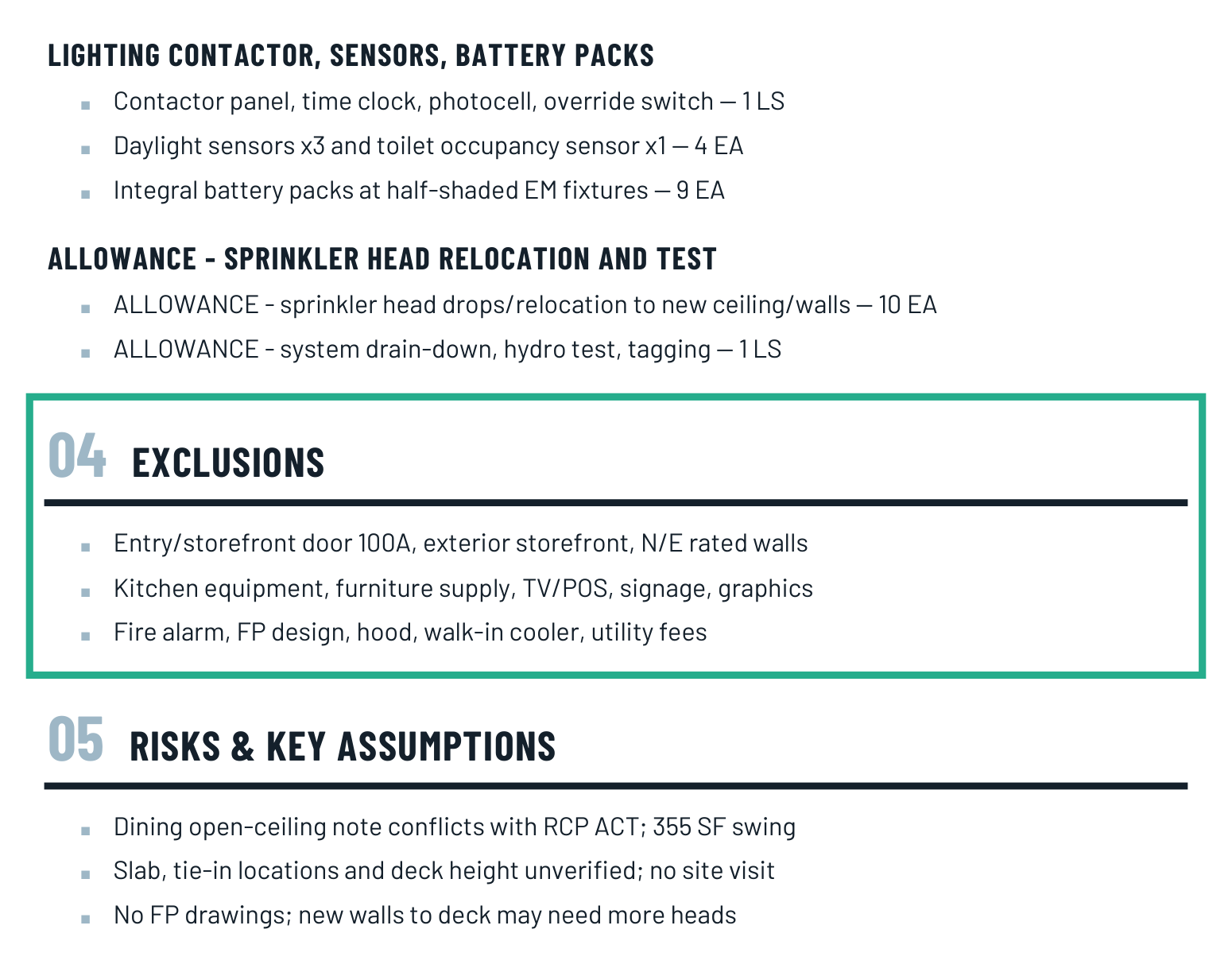
6 Do a 10-minute check before it goes out
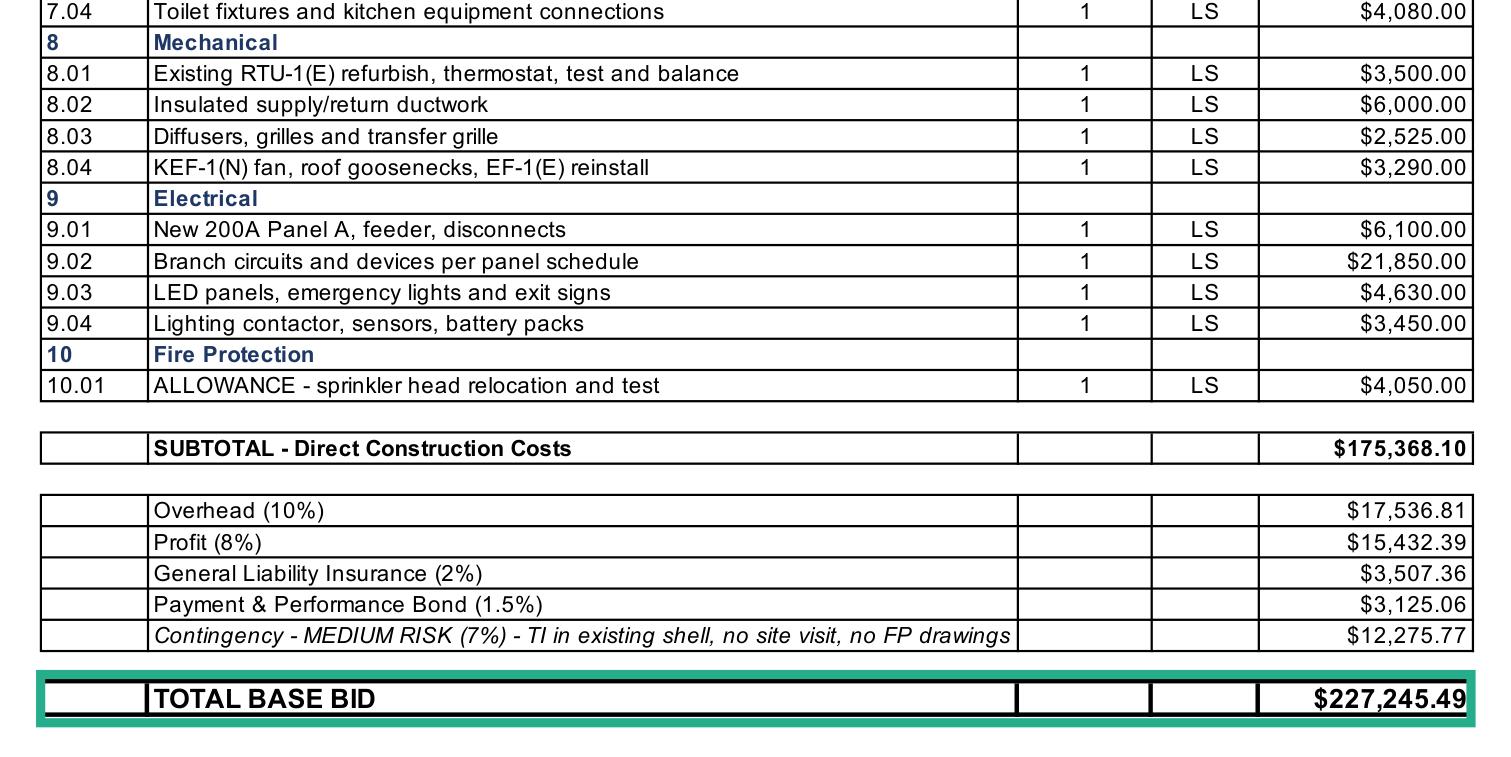
Read the scope, spot-check the five biggest line items against their source sheets, and compare the top prices with your recent jobs. Then add what drawings can't show: access, phasing, schedule and site conditions.
7 Run the set the day it lands
An early first pass leaves time to send RFIs, get sub quotes and decide whether the job is worth bidding at all. The night before bid day is for checking numbers, not finding them.